Skip to the page
Dean Freight Software

Load planning for carriers who run five trucks

Row 01 · The week board

Dispatch software for small carriers · Springfield, Missouri

The week's loads, trucks and drivers. One board.

Dean Freight Software replaces the whiteboard in a five-to-twenty-truck office. Drag a load onto a truck, see the driver's home time before you commit, and print a run sheet that reads the way a driver reads.

See it on your own loads   How the board works

Software sold to carriers. We arrange no freight and quote no rates.

What you are looking at. Four units, one week, every load a chip. Unit 15 is red from Tuesday: the Memphis to Louisville leg lands the driver two days past the home time he was promised. The board shows it before anyone commits.

Row 02 · Facts

The plain facts

What this is, in four lines

Posted

A week board for five to twenty trucks

Built for the office that plans with a marker and a phone, not for a national fleet with a planning department.

Loads, trucks and drivers in one place

One screen, one week. Nothing to reconcile between a load list, a truck list and a wall calendar.

Run sheets a driver can read

Stops in order, appointment windows, gate notes, trailer number. Printed at the desk or sent as a text.

Software sold to carriers — we are not a broker

We never touch your freight, your rates or your customers. The board holds what your office puts on it.

Row 03 · What it does

On the board

Six things the software does, and nothing else

Assigned

The week board

Loads across the top, trucks down the side.

Drag a load onto a unit and the row fills in: stops, the miles your office entered, the driver on that tractor. Move it and the old slot clears itself. Two dispatchers can work the same week at once and see each other's changes.

Driver schedules

Home time and days out, shown first.

A driver due home Thursday shows it on Thursday before any load is placed. A Wednesday load into Memphis becomes a question at the desk instead of a phone call from a truck stop.

Run sheets

One sheet per driver, per run.

Stops in order, appointment windows, drop and hook or live load, gate and lumper notes, trailer number, dispatcher's remarks. Print it at the desk or send it to the driver's phone as a text.

Hours in view

Entered by your office, as you record them.

Driving and on-duty hours sit next to the loads they affect, so a tight window shows against the hours left. We are not an electronic logging device and keep no record of record.

The record of what ran

Last month, readable in a minute.

Every run that ran is kept: unit, driver, trailer, stops, dates, and what the dispatcher wrote at the time. When a customer asks about a delivery from three weeks ago, the answer is on the screen.

Swaps and power only

Recorded where they happened.

A driver swap at a truck stop, or a tractor sent out power only to fetch a trailer, is written onto the row it belongs to. On Friday the week still reads true, and the run sheet already went to the right driver.

Row 04 · How a job runs

How we work

From the first message to a board your office runs on its own

In progress

Dean Freight Software does one thing. It puts the week's loads, the trucks and the drivers of a small carrier on one board, keeps home time and hours in view while a dispatcher assigns work, and prints the run sheet each driver takes with him. It is made for the carrier with five to twenty tractors whose week currently lives on a whiteboard, in a spreadsheet, and in the dispatcher's head. It is not made for a national fleet, and it is not made for a brokerage.

A job starts with a message to the desk. You tell us how many units you run, how you plan today, and what goes wrong most weeks. If the fit is right, we ask for one ordinary week from your office: the loads with their stops and windows, the units, the drivers with their home days. We put that week on a board and walk you through it over a screen share. You look at your own freight, moved the way you would move it, not a made-up carrier hauling made-up widgets.

If you go ahead, your office enters the next week itself while we watch and answer questions. Most dispatchers need the walkthrough and one week of their own before it is faster than the marker. After that the desk is yours. Questions go to the mailbox on this page and a person answers them; there is no ticket queue and no phone tree.

What we value is a board that tells the truth. A red row means something real: a home day about to be broken, two loads on one unit at the same hour, a delivery window the miles cannot make. The software flags. The dispatcher decides. We do not automate the decision, because in a twelve-truck office the dispatcher knows which driver will take the Sunday load and which one will quit over it.

What we turn down: brokers and shippers, because the board plans your trucks and nothing else; fleets past twenty units, whose planning needs something we do not build; and anyone wanting the software to find freight, post to a load board, or log hours of service. Those are different tools and we say so on the first reply rather than the last.
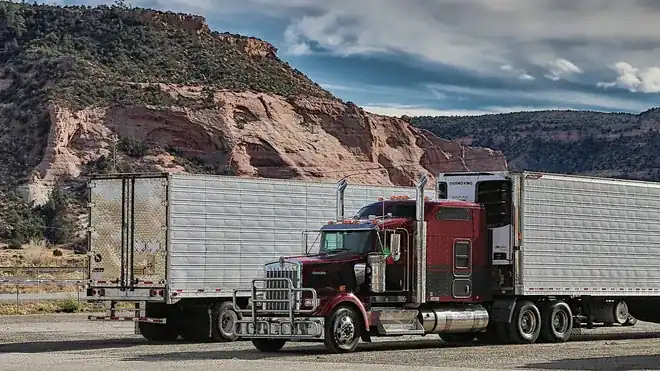
A red conventional tractor with a reefer trailer parked in a gravel yard below a sandstone bluff
Two units in the yard on a Sunday. Monday's board decides which one leaves first.

Where we are. Springfield, Missouri. Walkthroughs run over a screen share, so a carrier in Joplin, Tulsa, Little Rock or Kansas City gets the same session as one across town.

Row 05 · Questions

Asked at the desk

Seven questions carriers ask before a walkthrough

Answered

No. The board holds the loads your office already booked. It does not connect to any load board, it does not post trucks, and it does not quote or bid a lane. If you need freight found, that is a broker's or a load board's job, and we are neither.

No. An electronic logging device records hours of service from the truck and is the record of record. Our software shows the hours your office types in, next to the loads they affect, so a dispatcher can see a tight window against the hours a driver has left. It records nothing from the vehicle and it is not a substitute for the device in the cab.

Yes. Two people at two desks can work the same week. When one moves a load, the other sees it move. Each change is stamped with who made it, which settles the Friday argument about who put the Sunday load on Unit 15.

You drag it to another unit or another day. The old slot clears. The new row is checked against that driver's home time, his other loads and the hours entered for him, and it turns red if any of those break. The run sheet for both drivers is marked as changed so nobody drives on a stale one.

That is the only way we show it. Send one ordinary week from your office — loads, units, drivers with their home days — and we put it on a board before the walkthrough. You judge the software on freight you recognize, not on a demo carrier.

Not directly. What ran can be exported as a plain spreadsheet file at any time, with unit, driver, stops, dates and the miles your office entered, and that file goes into whatever your bookkeeper uses. We do not write into another company's books.

The run sheet prints. It is laid out for a single page from an ordinary office printer, stops in order with the windows and notes in large type. Drivers with a phone can get the same sheet as a text; drivers without one take the paper. Both say the same thing.

Row 06 · Next
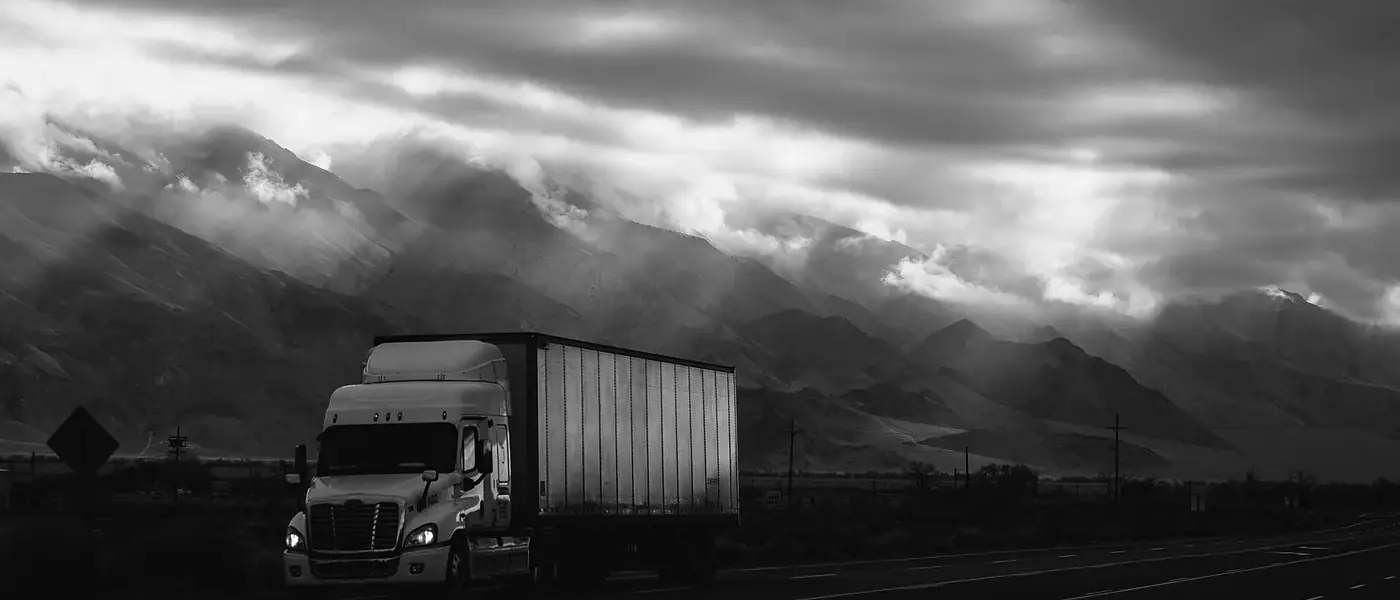
A tractor and dry van climbing a two-lane highway under low cloud, mountains behind

The next step

Send one ordinary week. See it on a board before you decide.

No demo carrier, no slides. Your loads, your units, your drivers' home days, put on a board and walked through with your dispatcher over a screen share.

See it on your own loads

Row 07 · Reach the desk

Contact

The desk, and when someone is at it

Open

Mailbox

[email protected]

One address for questions, walkthrough requests and support. A person reads it.

Desk hours

Monday to Friday, 07:00 to 17:00 Central Time.

Messages sent outside those hours are answered on the next working morning.

Where

Springfield, Missouri, USA.

Carriers across Missouri, Arkansas, Oklahoma and Kansas, and any small carrier elsewhere who can join a screen share. Request a walkthrough.